

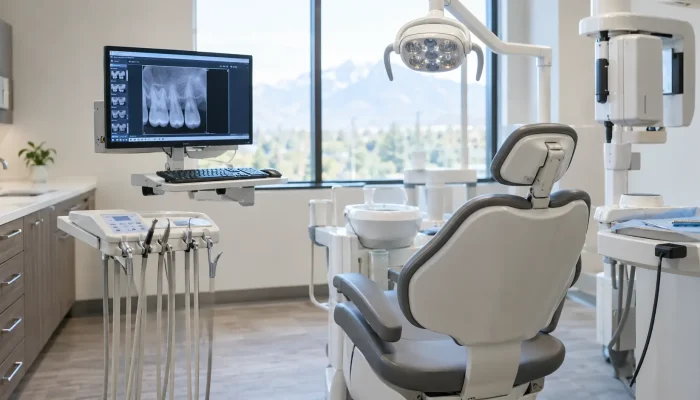

Your operating computer freezes while a patient sits in the chair with a bib on. The sensor stops talking to the imaging software, the front desk cannot pull tomorrow’s schedule, and the hygienist waits. Most Utah dental offices have lived some version of this morning.
Downtime drains revenue by the hour and pushes patients toward the practice down the street. Generic tech help treats a dental office like any other small business, which is why dental IT support exists as its own category. A provider who has never touched Dentrix or a Schick sensor spends your production time learning, and dependable managed IT services shorten that curve to zero.
This guide breaks down what dental IT support covers, what Utah practices need for HIPAA and state privacy rules, and how to tell a real dental IT partner from a generalist with a help desk phone number.
Quick Answer: What Is Dental IT Support?
Dental IT support is a managed technology service built specifically for dental practices. It covers practice management software, digital imaging, networks, backups, and HIPAA security safeguards. Utah dental offices rely on it to keep systems like Dentrix, Eaglesoft, or Open Dental running, protect patient records, and prevent downtime that empties the daily schedule.
What Does Dental IT Support Actually Cover?
Dental office IT support goes beyond fixing a slow computer. It wraps around the software and hardware your clinical day depends on.
| Service Area | What It Includes |
| Practice management | Dentrix, Eaglesoft, Open Dental, Curve, and Denticon server and database support |
| Digital imaging | Intraoral sensors, pan and CBCT units, imaging bridges, storage for large image files |
| Network and Wi Fi | Segmented guest networks, operatory cabling, switches, firewalls |
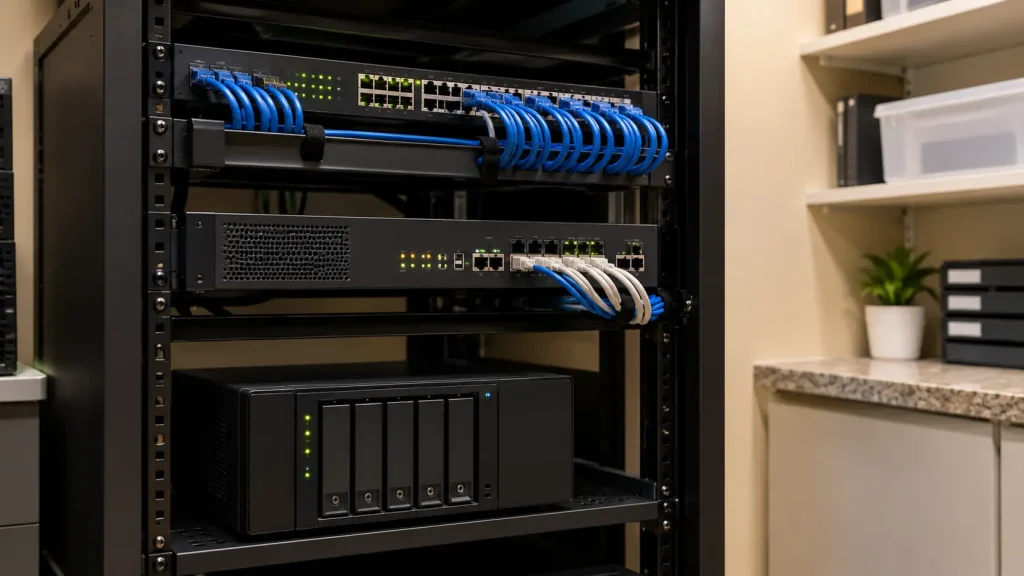
| Dental data backup | Encrypted local and offsite copies, tested restores, ransomware rollback |
| Dental cybersecurity | Endpoint protection, MFA, email filtering, patching, staff training |
| Compliance support | Risk analysis documentation, access logs, business associate agreements |
| Help desk | Same-day response for chairside issues during patient hours |
The distinction matters. Dental computer support has to treat a fifteen-minute reboot during a crown prep as a clinical problem, not a ticket.
Why Utah Dental Practices Need Specialized IT Support
Utah dental offices sit under two layers of rules. The federal HIPAA Security Rule requires administrative, physical, and technical safeguards for electronic protected health information, and the Office for Civil Rights has repeatedly named an incomplete risk analysis as the most common deficiency it finds in investigations. On top of that, the Utah Protection of Personal Information Act, Utah Code Title 13 Chapter 44, requires businesses to notify affected residents after a breach of personal data.
The proposed Security Rule overhaul published in January 2025 would make encryption and multi-factor authentication mandatory rather than optional. HHS has pushed final action to a July 2027 target, so the current rule still governs, but practices adopting MFA now are simply ahead of schedule.
Dental practices are also a proven ransomware target. In 2019, attackers compromised a backup product used by dental offices and encrypted data at roughly 400 practices across the United States through their own backup vendor. The lesson stuck: the tools meant to save you are part of the attack surface.
Dental Data Security and Backup: Where Most Practices Slip
Good dental IT support enforces a handful of habits that are easy to skip when you are booked out three weeks.
- Follow a 3-2-1 backup rule: Three copies, two media types, one offsite and offline.
- Test restores quarterly: A backup nobody has restored is a guess, not a safeguard.
- Turn on MFA everywhere: Email, remote access, and cloud practice management logins.
- Segment the guest Wi Fi: Patient phones should never share a network with imaging workstations.
- Retire unsupported Windows builds: Old imaging PCs are the usual entry point.
- Train the front desk: Phishing email remains the most common first move in a breach.
Document each one. When HIPAA questions arrive, documentation separates a finding from a footnote.
Managed IT Services for Dentists vs Break Fix Help
| Factor | Break Fix | Managed IT Services |
| When you call | After something breaks | Monitored continuously |
| Billing | Per incident | Flat monthly |
| Security | Reactive | Patching, MFA, monitoring included |
| Compliance help | Rare | Risk analysis and documentation support |
| Best fit | Single doctor, minimal tech | Growing or multi-location practices |
Break-fix suits a very small office. Once you add a second location, a CBCT, or cloud software, managed IT services Utah for dentists almost always costs less than the downtime it prevents.
How to Choose Dental IT Support in Utah
Ask five questions before you sign anything:
- Which dental platforms have you supported? Ask for practice names, not categories.
- What is your response time during patient hours? Get it in writing.
- Will you sign a business associate agreement? Any vendor touching ePHI must.
- How do you verify backups? The answer should include restore testing.
- Do you support imaging vendors directly? Coordination with Dexis or Carestream saves hours.
Local matters too. A Utah-based team reaches a Salt Lake, Provo, or St. George operatory the same day when a server refuses to boot.
Frequently Asked Questions
Why is my dental software running slow?
Slow practice management software usually traces back to the database, not the computer. Common causes include antivirus scanning the live database folder, an aging server, a saturated network switch, or years of imaging files sitting on the same drive as the database. Check those four before replacing hardware.
What happens if dental practice data is lost?
With a tested offline backup, you restore and keep working. Without one, you face permanent loss of charts, ledgers, and images, plus breach notification duties under HIPAA and Utah Code Title 13 Chapter 44. Rebuilding patient records manually takes weeks and rarely recovers everything.
Is my dental office HIPAA compliant?
No vendor can certify you as compliant, because HIPAA has no certification. A current written risk analysis is the baseline, and the Office for Civil Rights names an incomplete risk analysis as its most frequently cited deficiency. Dental IT support teams typically maintain that documentation alongside your business associate agreements and training records.
How do I secure patient records in a dental office?
Encrypt data at rest and in transit, require multi factor authentication on email and remote access, and limit each staff login to the records that role actually needs. Add a segmented guest network, quarterly restore testing, and phishing training for the front desk.
What does downtime cost a dental practice?
Calculate it from your own numbers rather than an industry average. Divide daily production by scheduled clinical hours, multiply by the outage length, then add rescheduled appointments and patients who never rebook. That total is the figure to weigh against dental IT support.
Final Thoughts
Technology in a dental office is clinical infrastructure now, not back office overhead. Practices that stay ahead treat dental IT support as part of patient care, not something to sort out after the next crash.
Solzorro works with Utah dental practices on managed IT, cybersecurity, and HIPAA-aligned backup so your team can focus on the chair instead of the server closet. Get in touch for a straightforward look at where your current setup stands.