Cyber Toolset | Soltrain + Cynet + AutoElevate | Solzorro

Cyber Toolset · Soltrain + Cynet + AutoElevate · 24/7/365

Somebody’s on your network at 3 AM. Make sure someone’s watching back.

The Cyber Toolset

Our own security stack. Now available on its own.

The same tools our team works from every day, watching your devices around the clock.

$25 per device, per monthGenerally. Larger fleets can vary.
  • Soltrain keeps every device patched, healthy and accounted for.
  • Cynet’s analysts watch for attackers 24/7 and shut them down fast.

Also called “monitored” or “security-only.” Same thing.

night_shift.log Watching
2:58 AMSoltrain: patches installed on 214 devices, 0 failed
3:04 AMCynet: odd login to M365 from a new country
3:05 AMCynet: same user launches PowerShell on a laptop
3:06 AMAnalyst confirms threat. Laptop isolated, account disabled.
8:07 AMClient’s IT team gets the full incident report

Illustrative example of an overnight incident.

Device management by Soltrain, powered by Datto RMM XDR, MDR and SIEM powered by Cynet Admin rights locked down by AutoElevate Delivered by Solzorro’s team in Provo and Sandy, Utah

How it works

Three layers. Each one covers what the others can’t.

Most breaches start with something boring: a missed patch, a reused password, a laptop nobody’s looked at in months. Soltrain handles the boring stuff, AutoElevate takes away the keys attackers want most, and Cynet handles the scary stuff.

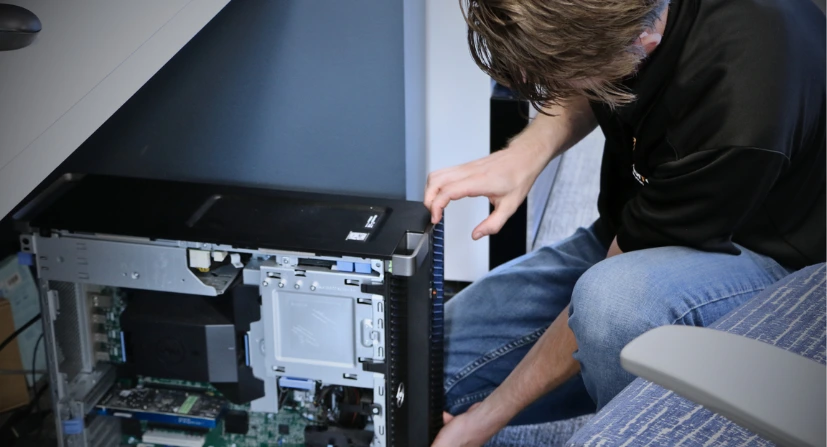
Solzorro technician arriving at a Utah business
Technician servicing a business computer Layer 1

Soltrain

Our RMM, powered by Datto RMM

Keeps every computer and server healthy, current, and visible, with its own ransomware detection built in. If a drive is filling up or a patch didn’t land, we know before you do.

  • Automatic patching for Windows plus 200+ apps like Chrome, Edge, Adobe Acrobat, VLC and Microsoft 365
  • Health monitoring and alerts on every device
  • Behavior-based ransomware detection on every device
  • Remote support without the “can you see my screen?” dance
  • A live inventory of every device you own
  • Secure remote access so your team can reach their work computers from anywhere
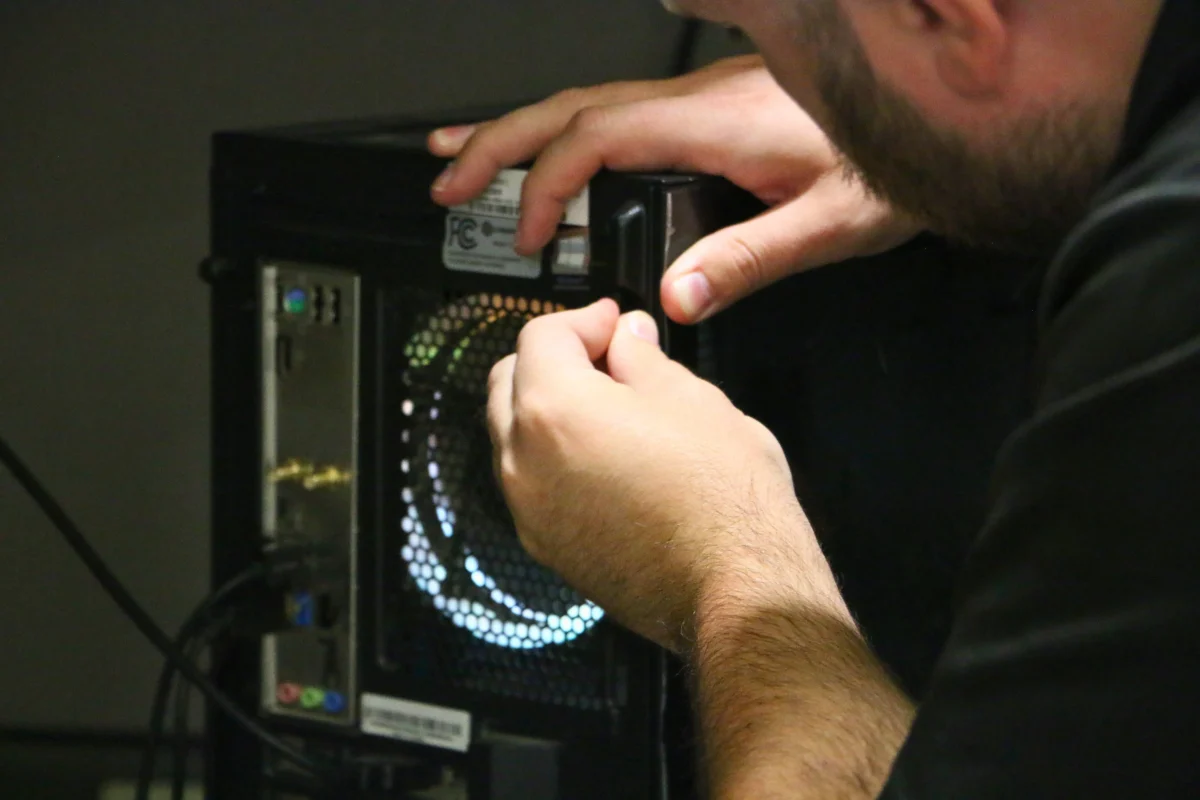
Locking down a workstation Layer 2

AutoElevate

Privilege management by CyberFOX

Takes admin rights away from everyday users, so one bad click can’t install malware or change system settings. Approved requests still go through fast, so nobody waits on a ticket to install Zoom.

  • No local admin rights on user accounts
  • Approved software installs without the wait
  • Every elevation request logged
  • Far fewer ways for malware to dig in
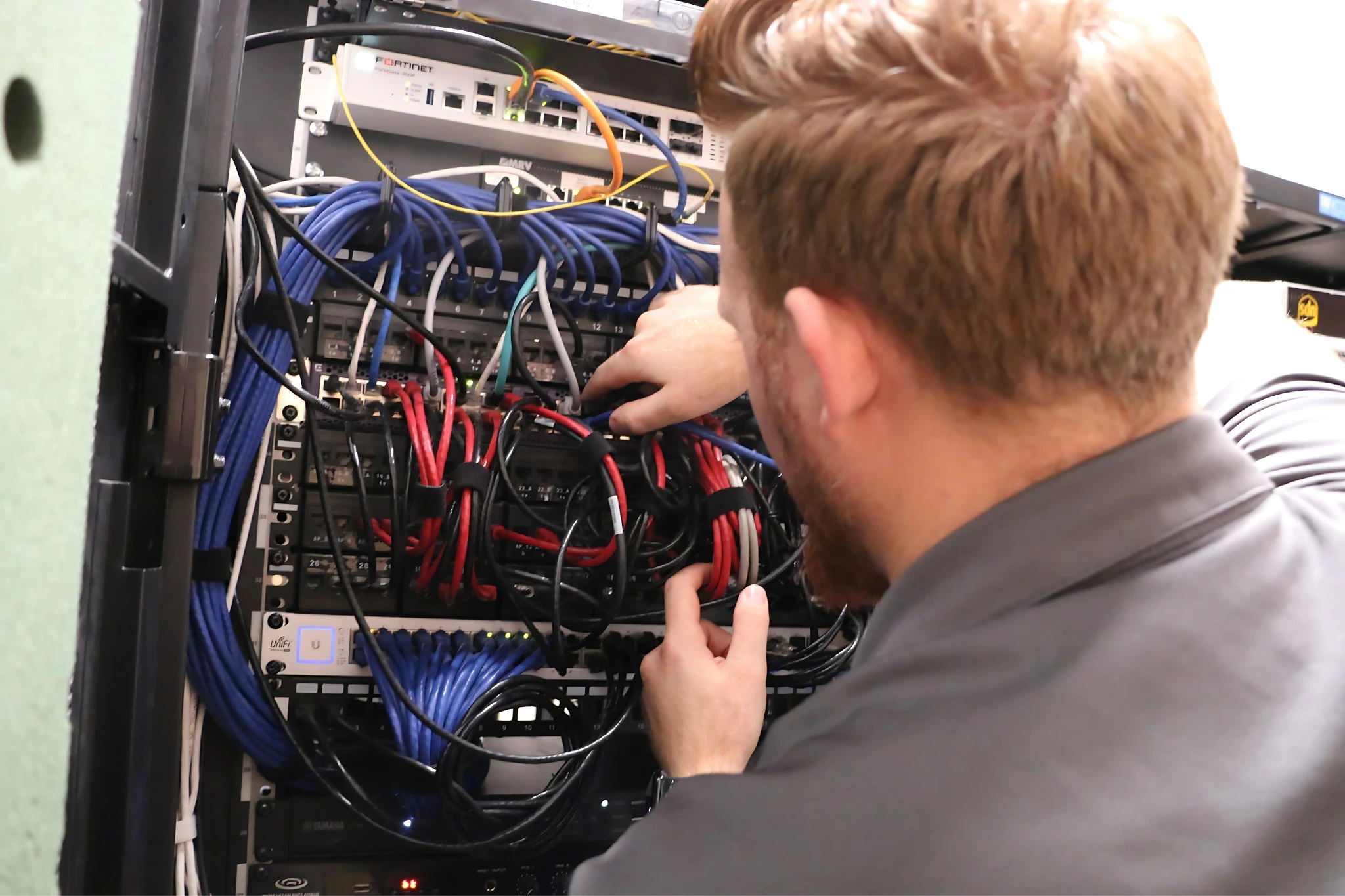
Network rack monitored around the clock Layer 3

Cynet

XDR, 24/7 MDR and SIEM in one platform

Watches laptops, servers, user accounts, email and network traffic for signs of an attack. When something’s wrong, real analysts step in. Day, night, holidays.

  • Security analysts on watch 24/7/365
  • Infected machines cut off from the network in minutes
  • Hijacked Microsoft 365 accounts disabled on the spot
  • Logs collected and kept for audits and insurance claims

Ransomware protection

Ransomware has to get past more than one layer.

Most businesses bet everything on one security tool. If it misses, that’s it. Yours has to get through three separate layers, and there’s still a team that can get in and clean up afterward.

01
AutoElevate

Take away the keys

Ransomware does its worst damage with admin rights. AutoElevate keeps those rights off everyday accounts, so an attack has far less to work with.

02
Cynet

Stop it before it starts

Cynet blocks and detects threats across your devices, while 24/7 security analysts investigate every alert that matters.

03
Soltrain

Catch it by how it behaves

Soltrain runs its own behavior-based ransomware detection. It can alert our team, try to kill the suspicious process, and isolate the device.

04
Solzorro team

Still reachable, even when isolated

An isolated device is cut off from your network, not from us. Our technicians (or your own IT person) can still reach it through Soltrain to investigate and fix it.

Tools vs. service

No tool is bulletproof. Including this one.

Equifax and Capital One had security budgets most companies can’t imagine, and they still got breached. Good tools lower your odds a lot. They don’t make them zero. What matters next is who’s holding the tools when something gets through.

What the Cyber Toolset includes

  • Soltrain, Cynet and AutoElevate on every device
  • Cynet’s 24/7 SOC investigating and responding to threats, with no extra charge for their response
  • Patching, health alerts and log retention
  • The proof your insurance carrier keeps asking for

What it doesn’t include

  • Help desk and everyday IT support
  • Solzorro technician time, which is billed hourly or through block hours
  • Projects like new hires, network changes and Microsoft 365 setup
  • IT planning and strategy for your business
Flash the Fox, the Solzorro mascot

A nice set of tools doesn’t build a house. A craftsman does.

These are the tools our team uses every day. At $25 a device, it’s hard to find a better starting point, and if you’re on break-fix today, it’s the first thing we’d add. When you want the craftsmen too, that’s Managed Plus.

For in-house IT

Already have an IT person? Keep them.

We don’t have to replace anybody. Your admin gets the same backend access our technicians use, so they can do a lot more without calling us. If you want us as backup, co-managed clients share that access with our team.

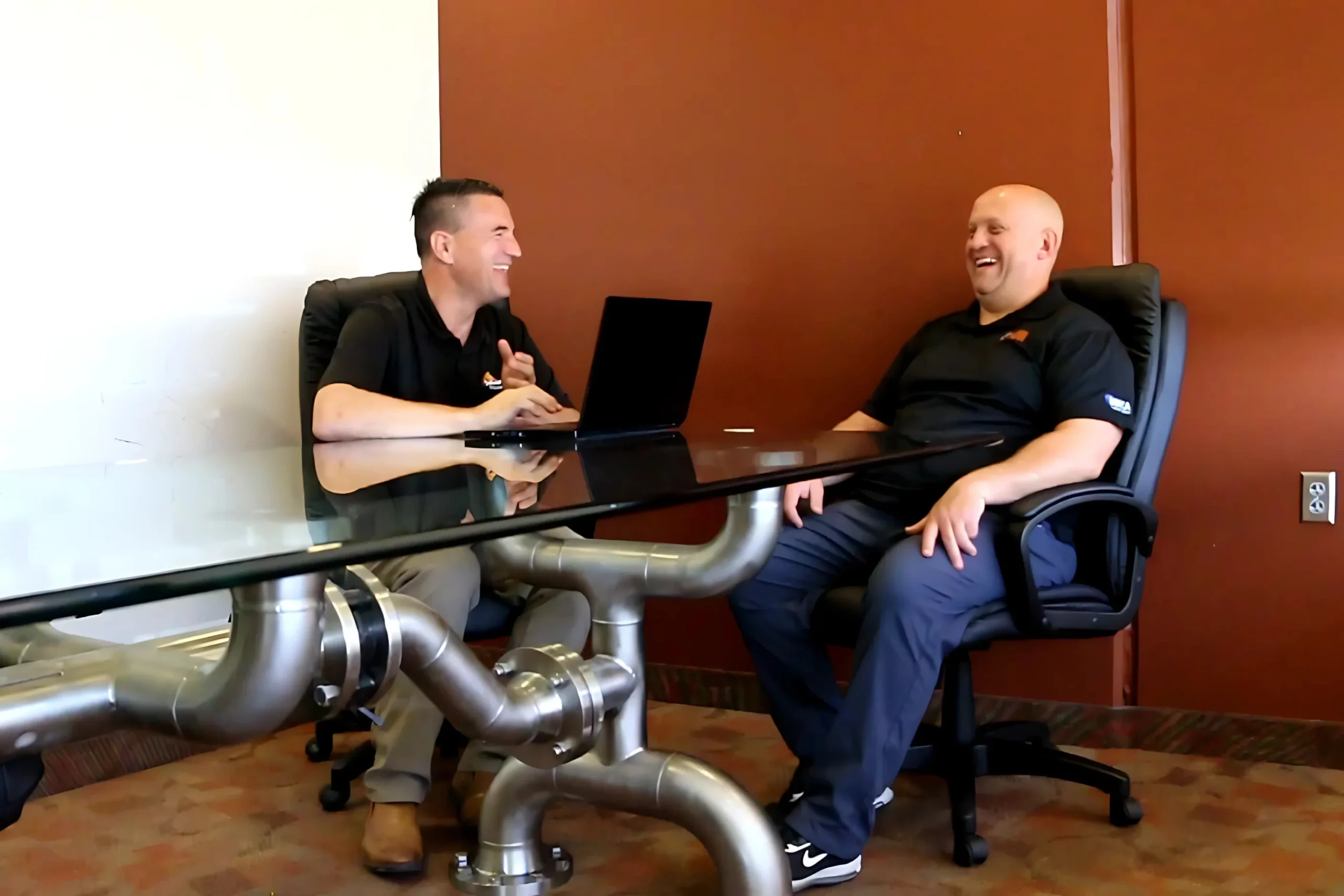
Solzorro working alongside a client’s in-house IT team

Scripts and jobs

Write scripts, schedule jobs and push fixes to every device from Soltrain.

Remote access, built in

Splashtop plus three other remote access tools come with it. No extra licenses to chase.

Admin approvals

Your admin approves AutoElevate requests directly, so installs don’t wait on us.

Cynet remediation

The same remediation access we have: isolate a device, kill a process, clean up.

The acronym decoder

You don’t need to know what these mean. But here’s what they do for you.

Security vendors love three-letter words. Here’s the plain-English version of everything in your package.

RMM

Remote Monitoring & Management

The dashboard that lets us see, fix and update every device you have without driving to your office.

What is RMM?

XDR

Extended Detection & Response

Antivirus grown up. It connects clues across computers, logins, email and the network, so a sneaky attack doesn’t look like five unrelated blips.

What is XDR?

MDR

Managed Detection & Response

The humans. Security analysts who watch those alerts all night and act on the real ones, so nobody’s waiting until Monday.

What is MDR?

SIEM

Security Information & Event Management

The flight recorder. It keeps a searchable history of what happened, which auditors and insurance carriers will ask for.

What is a SIEM?

PAM

Privileged Access Management

The bouncer. Nobody gets admin rights by default. When someone needs to install something, the request gets checked and approved without the usual ticket queue.

What is PAM?

Why it’s a no-brainer

You could build this yourself. Here’s what that looks like.

Round-the-clock security takes people, tools and someone to run them. Most businesses can’t justify that on their own. You don’t have to.

What you needDoing it in-houseCyber Toolset
Someone watching at night and on weekendsMultiple security analysts working shiftsIncluded
Detection across devices, logins and emailSeveral separate tools to buy and connectIncluded
Log history for audits and insuranceA SIEM license plus someone to manage itIncluded
Locking down admin rights without slowing people downUsers wait on IT every time they need to install somethingIncluded
Patching Windows and 200+ business appsSomeone checking Chrome, Adobe and every other app for updates by handIncluded
A real admin console for your own IT personRemote tools, scripting and patching from three different vendorsIncluded
Monthly cost[IN-HOUSE ESTIMATE]Generally $25 per device

Technician time for fixes and projects is billed separately, hourly or through block hours, unless you’re on Managed Plus.

Insurance & compliance

Your cyber insurance renewal just got a lot shorter.

Carriers keep adding questions. 24/7 monitoring? Endpoint detection? Who has admin rights? An incident response plan? With this package, you check the boxes and have the logs to prove it.

Compliance paperwork on a desk
  • 24/7 monitoring
  • EDR on every endpoint
  • Active incident response
  • Patch management
  • Centralized log retention
  • HIPAA support on Managed Plus
  • Layered ransomware protection
  • No local admin rights for users

The proof

The numbers behind the night shift.

1,000+Devices we watch every night
12,000+Threats stopped this year
<15 minTo contain a critical threat, often immediately
#1569On the 2026 Inc. 5000

“Solzorro provides the best response time to any issue we have encountered. Most of the time they are aware of and solving the issue before we encounter a problem. Solzorro is the best.”

Craig FindlayAdvanced Title · Google review

Common mix-ups

Questions we get a lot

Does “monitored” mean you’re watching my employees?

No. It watches device health and signs of an attack. Think smoke detector, not security camera.

Is this the same as managed IT?

No. This is the security toolset. Help desk, projects and day-to-day support come through hourly, block hours or Managed Plus.

Why “generally” $25?

That’s the standard price. Larger fleets or unusual setups can land a little differently, and we’ll tell you why up front.

We’re on break-fix. Is this worth it?

Yes. Break-fix (strictly reactive) means nobody looks until something breaks. This is the cheapest way to have someone looking.

Want to know what’s happening on your network tonight?

We’ll run a free security review, show you what we find, and tell you straight whether you need us.

© 2026 Solzorro IT Services · Provo & Sandy, Utah Soltrain is powered by Datto RMM. Security powered by Cynet and AutoElevate by CyberFOX.