


AI Microsoft 365 Productivity: Transforming Workflow into Results
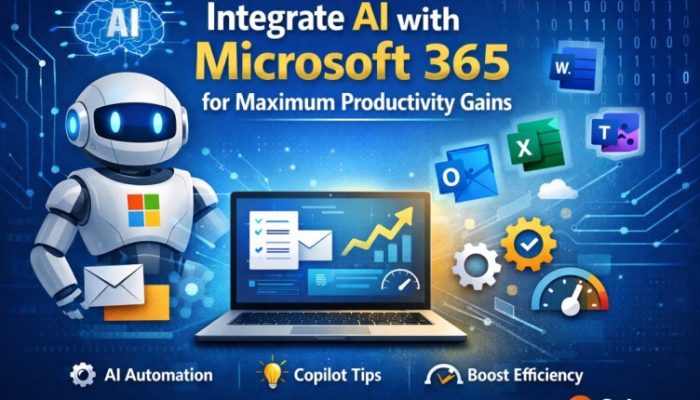
In 2026, productivity is no longer about working harder; it’s about working smarter with **AI Microsoft 365 productivity integration**. With tools like Microsoft 365 Copilot now standard, AI is built directly into Word, Excel, Outlook, and Teams—turning hours of manual labor into seconds of automated precision. At Solzorro, we help businesses bridge the gap between “having the software” and “mastering the results.”
What is Microsoft 365 Copilot?
Microsoft 365 Copilot is an advanced AI engine that utilizes the Microsoft Graph to understand your specific business context. It doesn’t just “know how to write”—it knows your emails, your calendar, and your document history, providing suggestions that are actually relevant to your ongoing projects.
Contextual Intelligence
Summarize the last three meetings with the marketing team or draft a proposal based on notes from a specific Teams chat in seconds.
Enterprise-Grade Security
Your data stays within the secure Microsoft cloud environment; your prompts are not used to train public LLMs.
AI vs. Traditional Workflows
| Task | Traditional Workflow | AI with Microsoft 365 |
|---|---|---|
| Email Management | Manual drafting and sorting | AI-generated summaries & smart replies |
| Data Analysis | Manual formulas and pivot tables | Natural language insights & Python automation |
| Meeting Recaps | Manual note-taking | Automated transcripts & action item assignments |
| Research | Sifting through folders and emails | Contextual retrieval via Microsoft Graph |
According to Microsoft’s Work Trend Index, early adopters report a significant decrease in “digital debt” and a sharper focus on high-value creative work.
Frequently Asked Questions
How do I enable AI in my current Microsoft 365 setup?
You need a compatible Microsoft 365 subscription and a Copilot add-on license assigned via your Admin Center.
Is my data used to train the AI?
No. One of the primary benefits of AI in Office 365 is that your organizational data remains private and is never leaked to the public models used by free AI tools.
What is the best way to get my team started?
We recommend “Prompt Engineering” workshops and structured Managed IT Services to ensure your data is clean and searchable by the AI.
Navigate the Future of Work with Confidence
Don’t let your business fall behind in the AI revolution. Integrating Microsoft 365 Copilot can save your team upwards of 10 hours per month. Solzorro is here to help you set up, secure, and optimize your AI environment.
→ Optimize My Workflow TodaySolzorro: Your partner in AI integration and operational excellence.